
Limited Seats With 50% Discount.
Master Pro Video Editing in 12 Weeks and Start Getting Paid Projects Immediately
Struggling to edit videos that look clean and professional? Learn the exact industry workflow and tools you need to create cinematic, client-ready projects in weeks. Scroll down to see how.
https://www.youtube.com/watch?v=EFLIUm3-ewA&pp=ygUNdmlkZW8gZWRpdGluZw%3D%3D
 4.5/5 (Rated by 650+ Students on Google)
Struggling to make your videos look professional? Here is the simple path forward.
You need a step by step workflow that teaches you how to edit with clarity, speed, and purpose so your videos finally look professional.
Module 1: Editing Basics Made Simple
-
Interface, tools, timeline
-
Importing & organizing media
-
Essential shortcuts
Module 2: Cutting, Flow & Story
-
J cuts, L cuts, pacing
-
Building smooth sequences
-
Creating viewer engagement
Module 3: Audio Editing Essentials
-
Clean dialogue
-
Music layering
-
Basic sound design
Module 4: Transitions & Effects
-
Speed ramps
-
Motion blur
-
Tasteful transitions
Module 5: Color Correction & Cinematic Looks
-
White balance
-
Exposure
-
LUT usage
Module 6: Exporting for Every Platform
-
Reels & Shorts
-
YouTube
-
Promo videos
Students Testimonials
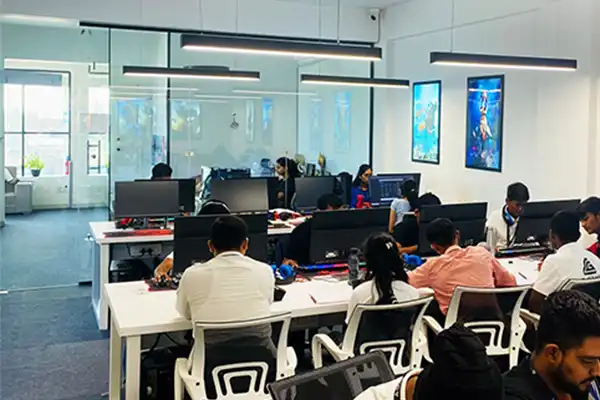
I tried YouTube tutorials for months and still could not edit properly. This course was the first time editing actually made sense.
Rohan K
Beginner Editor
Just two weeks into this course and I was editing with confidence. The step by step guidance is gold.
Neha S
Student
My reels used to look flat and messy. After learning pacing and storytelling here, my content looks way more professional.

Varun A
Fitness Creator
I joined with zero experience and finished with a real portfolio. I sent my edits to three local brands and got my first two paid projects in the same month.
Priya T
Freelancer
Everything You Stand to Gain
- Learn a real editing workflow that removes confusion
- Make clean, smooth, professional looking videos
- Build real portfolio projects
- Learn faster with step by step guidance
- Improve both creative and technical skills
- Master pacing, flow, and editing logic
- Get platform ready skills for reels, shorts, and YouTube
- Start editing confidently within weeks
What Makes This Course Different?

1. Workflow Driven Teaching
You learn how editors think, not just what buttons to click.

2. Real Project Based Learning
Build a portfolio, not just watch videos.
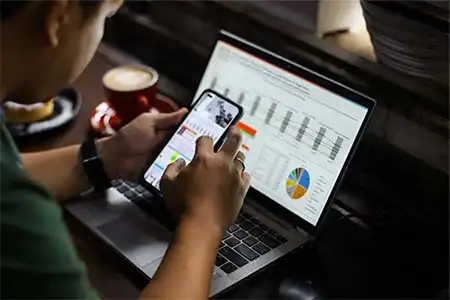
3. Beginner Friendly Structure
No technical overwhelm. No messy explanations.

4. Focus on Story & Pacing
You learn the invisible skills that make videos feel professional.
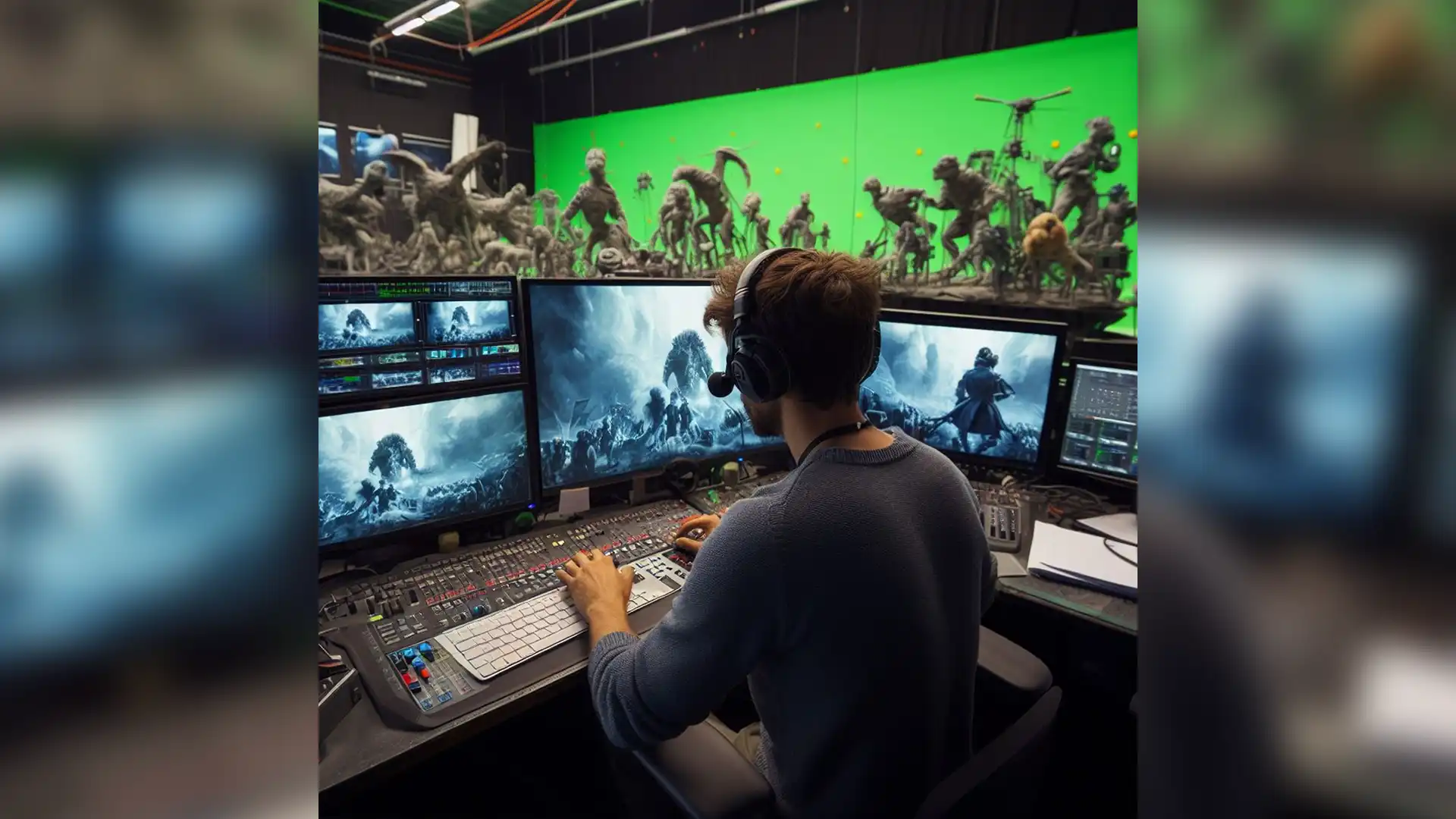
5. Short Lessons, Fast Results
Designed for busy people who want improvement quickly.
Watch How Quickly You Can Start Editing Like a Pro
Frequently Asked Questions
Do I need any prior experience to join this course?
No. This course is designed for complete beginners as well as editors who feel stuck and want a structured workflow. You’ll learn everything step by step.
What software do I need for this course?
You can use any major editing software like Adobe Premiere Pro, Final Cut Pro, DaVinci Resolve, or CapCut Desktop. The workflow you learn applies to all tools.
How long will it take to start creating professional-looking videos?
Most students see a major improvement within the first 7 to 14 days after applying the workflow taught in the course.
Yes. You can learn at your own speed, revisit the lessons anytime, and practice as you go.
Will I get any practice files or resources?
Yes. You’ll receive raw footage, sound effects, transitions, and project files to practice exactly what you learn.
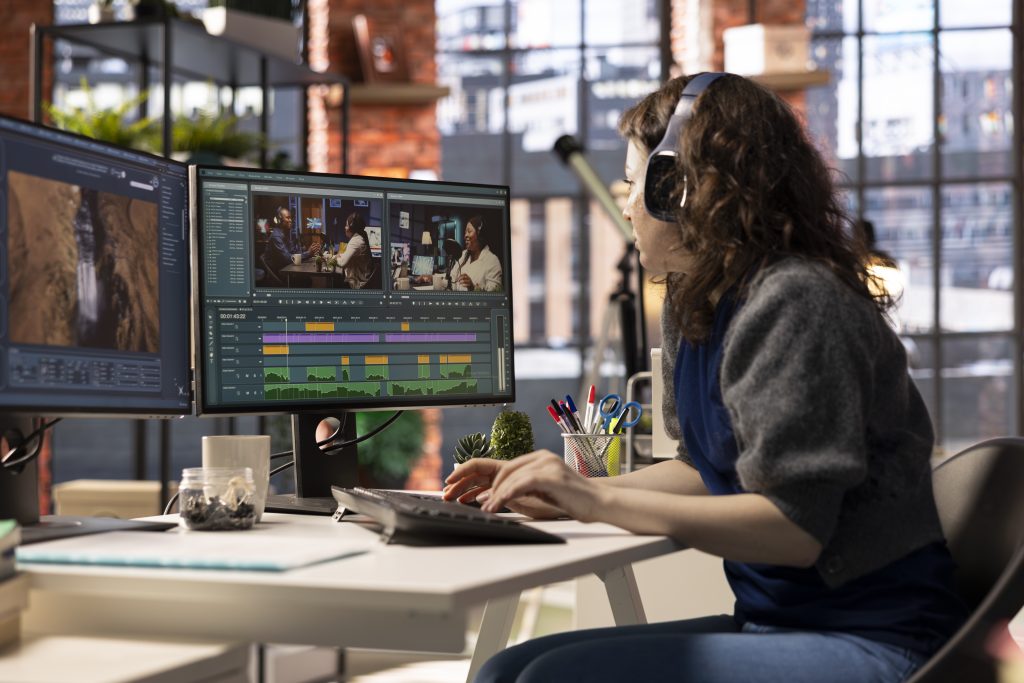
Professional editing isn’t about talent — it’s about learning the right system.
Unlock the Complete Editing Workflow — Join the Course Now